

AI can support engineers during commissioning, diagnostics, and maintenance. But to provide meaningful support in an industrial environment, an AI application needs more than a prompt. It needs access to information from the actual automation system.
This is where MCP for PLCnext Control comes in. The solution provides a standardized way to make information and services from PLCnext Control accessible via the Model Context Protocol (MCP). Instead of accessing different PLCnext Technology services individually, users and software clients can work with a common interface to retrieve relevant controller information.
This creates an interesting foundation for AI-assisted engineering and diagnostics: AI applications can work with context from the automation system rather than relying solely on information manually provided by the user.
Why Model Context Protocol (MCP)?
PLCnext Technology already offers different interfaces, services, and diagnostic mechanisms for accessing information about devices, applications, processes, and communication networks. The challenge is that this information is distributed across different services and tools.
The MCP App introduces a centralized access layer. At its core is an MCP Server running directly on PLCnext Control. It exposes available information and services through an MCP-based interface, while the client consumes this functionality independently.
Depending on the available PLCnext Technology services and the MCP tools that have been enabled, the MCP Server can provide access to information such as:
- Device and firmware information
- Runtime and status information
- Diagnostic data
- Global Data Space (GDS) data
- Axioline diagnostics
- Files and log files
- OPC UA data
- License information
- Events, alarms, and notifications
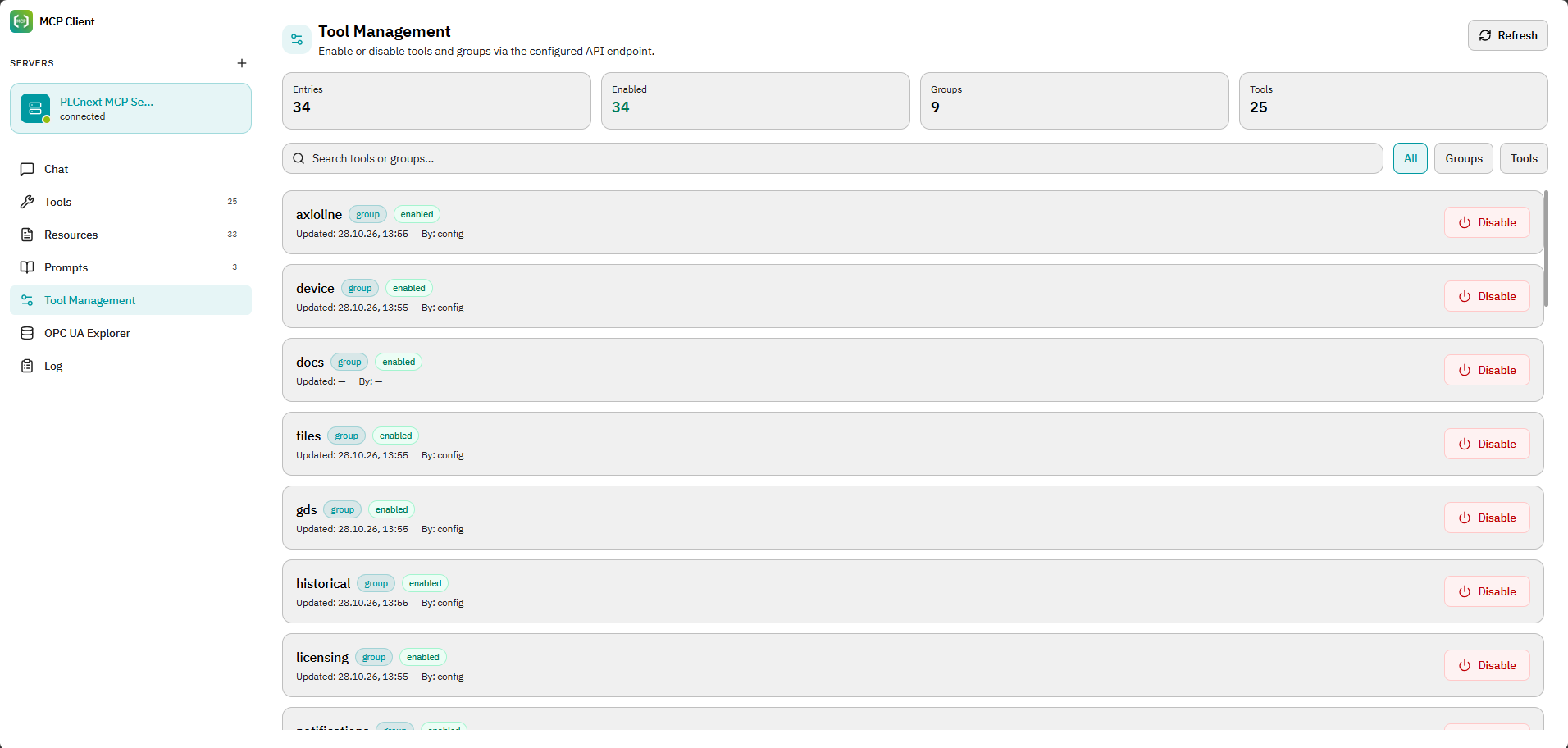
This is useful beyond AI scenarios. Structured access to this information can also support commissioning, maintenance, troubleshooting, and system analysis.
From controller data to usable context
The interesting part begins when MCP is combined with an AI-based application. An AI model on its own does not know what is happening on a specific PLCnext Control. It does not automatically know the runtime state of the system, which variables are available, what diagnostics have been generated, or what information is contained in the controller logs.
MCP provides a standardized way for compatible software to request such information through the tools and data sources exposed by the MCP Server. The requirements explicitly include future AI-based clients, copilots, and automated service applications as possible consumers of this information.
This changes the role of AI in an engineering workflow. Instead of requiring the engineer to manually collect every piece of information and transfer it into the conversation, relevant controller information can become part of the context available to the connected application.
A practical example: troubleshooting
Consider a sensor providing values outside the permitted range, eventually causing the application to stop. In a conventional troubleshooting workflow, an engineer may inspect the project, check diagnostics, analyze log files, consult documentation, and search for possible causes.
With MCP, relevant information from the controller can be made available to an AI-supported application as additional context for the analysis. This can help the engineer identify possible causes and determine the next steps.
The interesting part is therefore not simply adding AI to diagnostics. It is giving the AI application access to relevant information from the automation system.
Server and client are deliberately separated
The architecture consists of two logically independent components: the MCP Server and the MCP Client/User Interface.
The MCP Server runs directly on the PLCnext Control. It can be used independently of the optional web-based MCP Client. In addition, compatible external MCP clients can connect to the server through the standardized MCP interface.
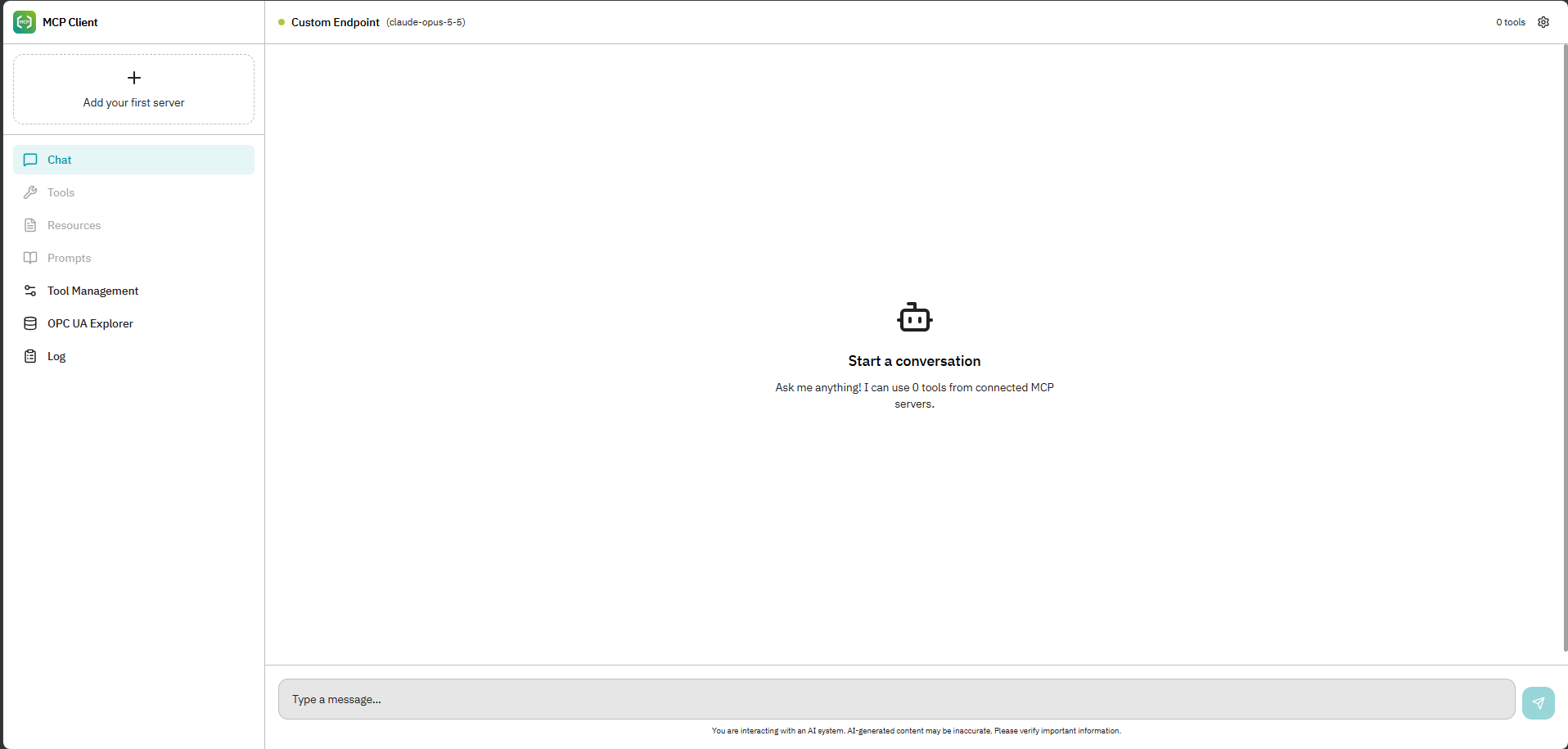
This separation is important because the controller does not have to be tied to one particular user interface or AI application. The server provides the MCP functionality while compatible clients can consume it independently.
According to the current internal FAQ, the solution is based on the open Model Context Protocol and is intended for use with MCP-compatible clients and AI agents.
MCP and PLCnext Engineer: related, but not the same thing
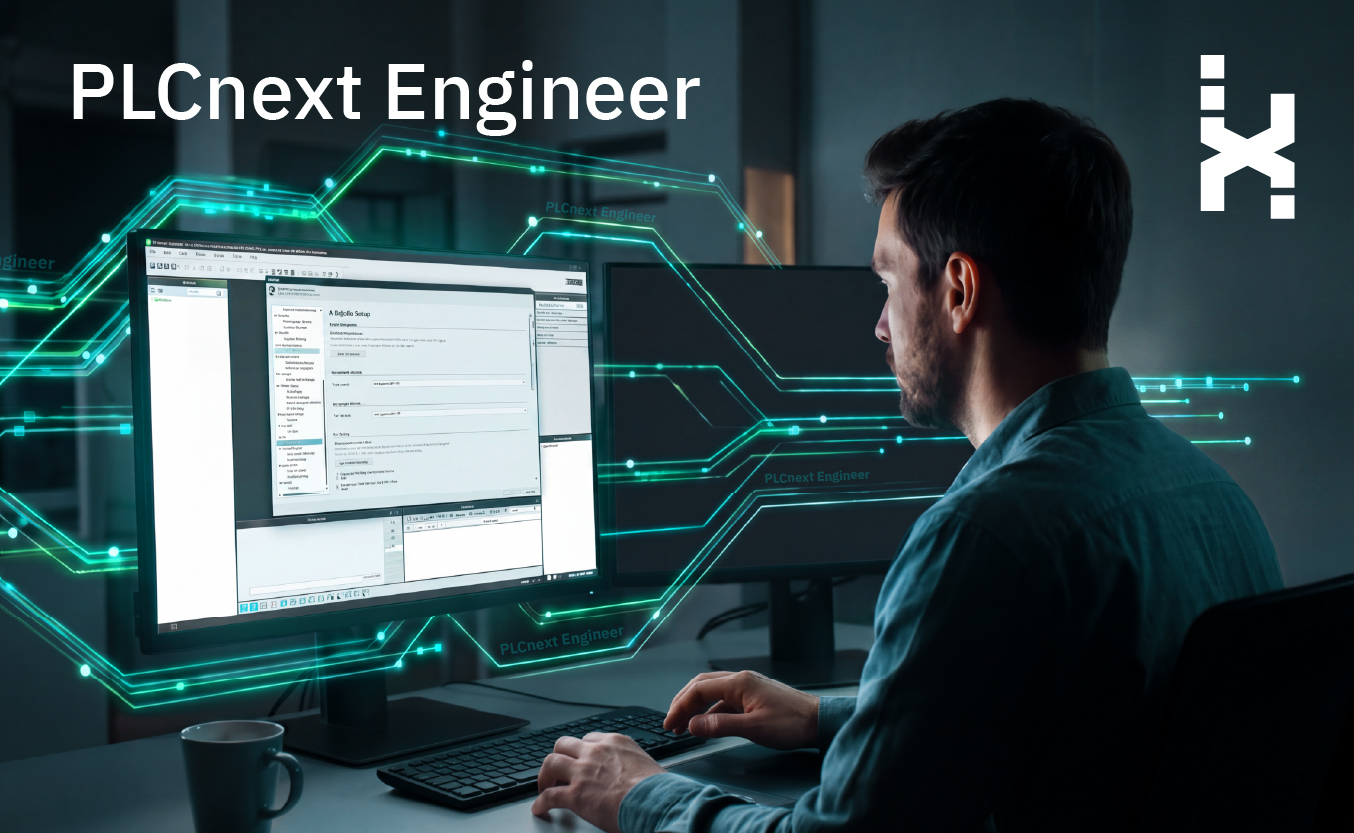
There is another aspect that becomes particularly interesting for engineering: the interaction between MCP for PLCnext Control and the AI capabilities in PLCnext Engineer. These are two different elements.
The MCP App discussed here runs on PLCnext Control and provides access to controller-related information. The AI architecture in PLCnext Engineer, on the other hand, works with engineering context such as project information, source code, variables and I/O, device information, knowledge sources, tools, and local code context via MCP servers. Bringing both sides together can extend the context available during engineering.
An internal test has already connected the new MCP functionality on PLCnext Control with the AI integration in PLCnext Engineer. This allowed users to interact with controller information from within the PLCnext Engineer environment.
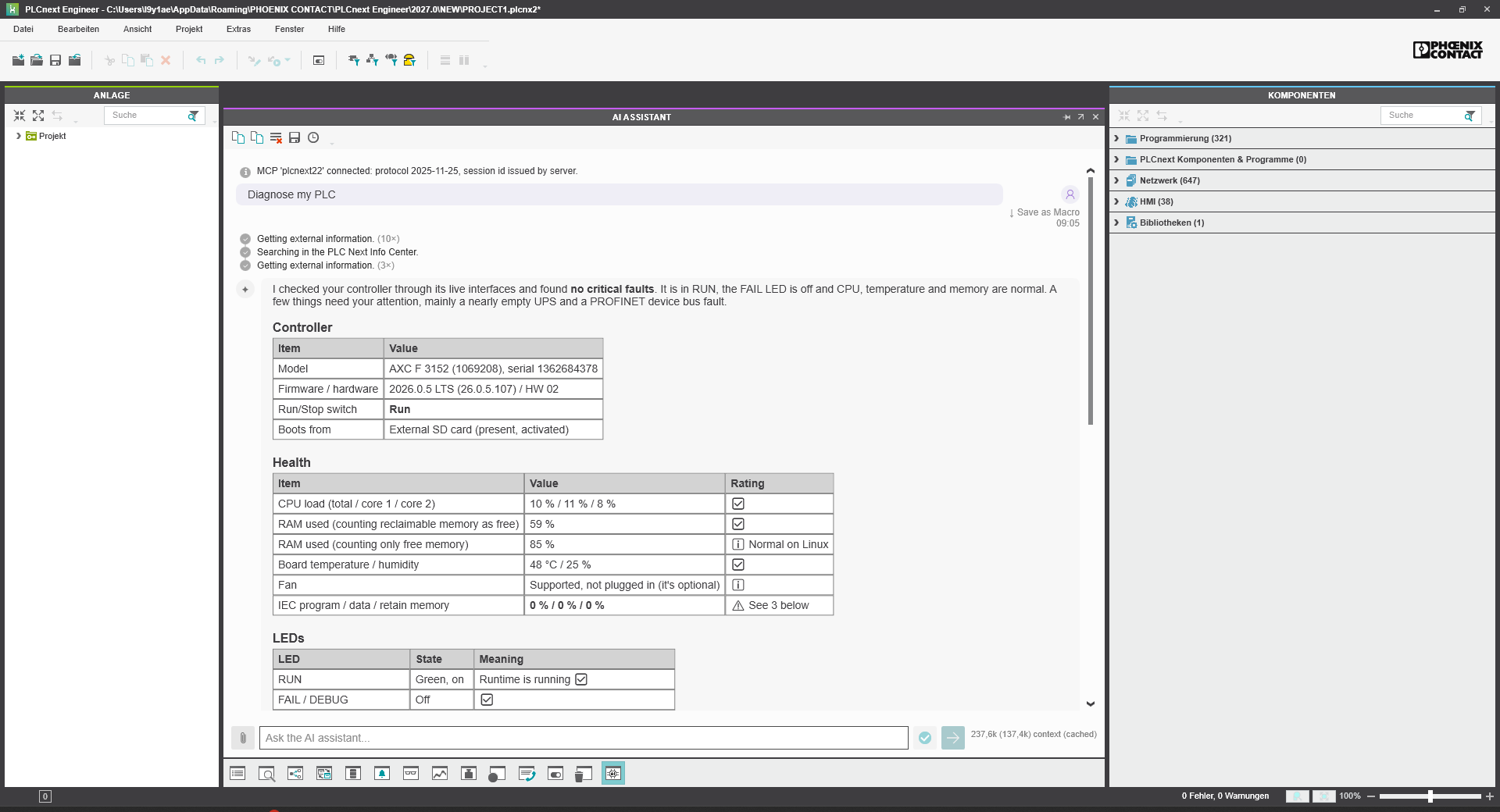
This combination shows why MCP is interesting as an integration layer: different sources of engineering and runtime information can be made accessible through a common protocol without turning the controller itself into an AI system.
What about cybersecurity?
Providing access to controller information requires clear control over who can access what. The MCP App therefore uses the existing PLCnext Control user management and security infrastructure. Its defined requirements include PLCnext Control authentication mechanisms, role-based access control, secured communication between client and server, traceability of user actions, and configurable MCP Server capabilities.
The internal MCP documentation also describes logging and request rate limiting as part of the security concept. Just as important is what the current scope does not include: writing to the PLC, introducing an independent user management solution, or modifying existing PLCnext Control cybersecurity mechanisms are explicitly outside the scope defined for the project. The current focus is therefore controlled and structured access to information and supported diagnostic functionality.
Where this can lead
The first use cases are very practical: retrieve system information, analyze diagnostics and logs, inspect GDS data, examine OPC UA information, or investigate network-related issues. Authorized MCP clients can connect to the server over the configured network interface. But MCP also opens a broader perspective.
Once automation information can be exposed through a standardized protocol, the same principle can be used by different MCP-compatible tools and applications. This makes the interface relevant not only for individual diagnostic tasks, but also for future AI-assisted engineering and service workflows.
Want to see how AI is becoming part of the engineering workflow?
Discover how AI integration in PLCnext Engineer can support engineers with project-specific context, code, and engineering tasks.
Read more: AI Integration in PLCnext Engineer

